MacA planning desk for the big sessions.
Every section in the sidebar, in light or dark appearance, with keyboard shortcuts for the things you add most.
- ⌘N New task
- ⇧⌘N New guest
- ⌥⌘N New vendor

For iPhone, iPad and Mac
Your guest list, budget, vendors, seating and wedding-day schedule, kept together in one private planner.
Free to start. Premium plans include a 7-day free trial.

iPhone · iPad · Mac
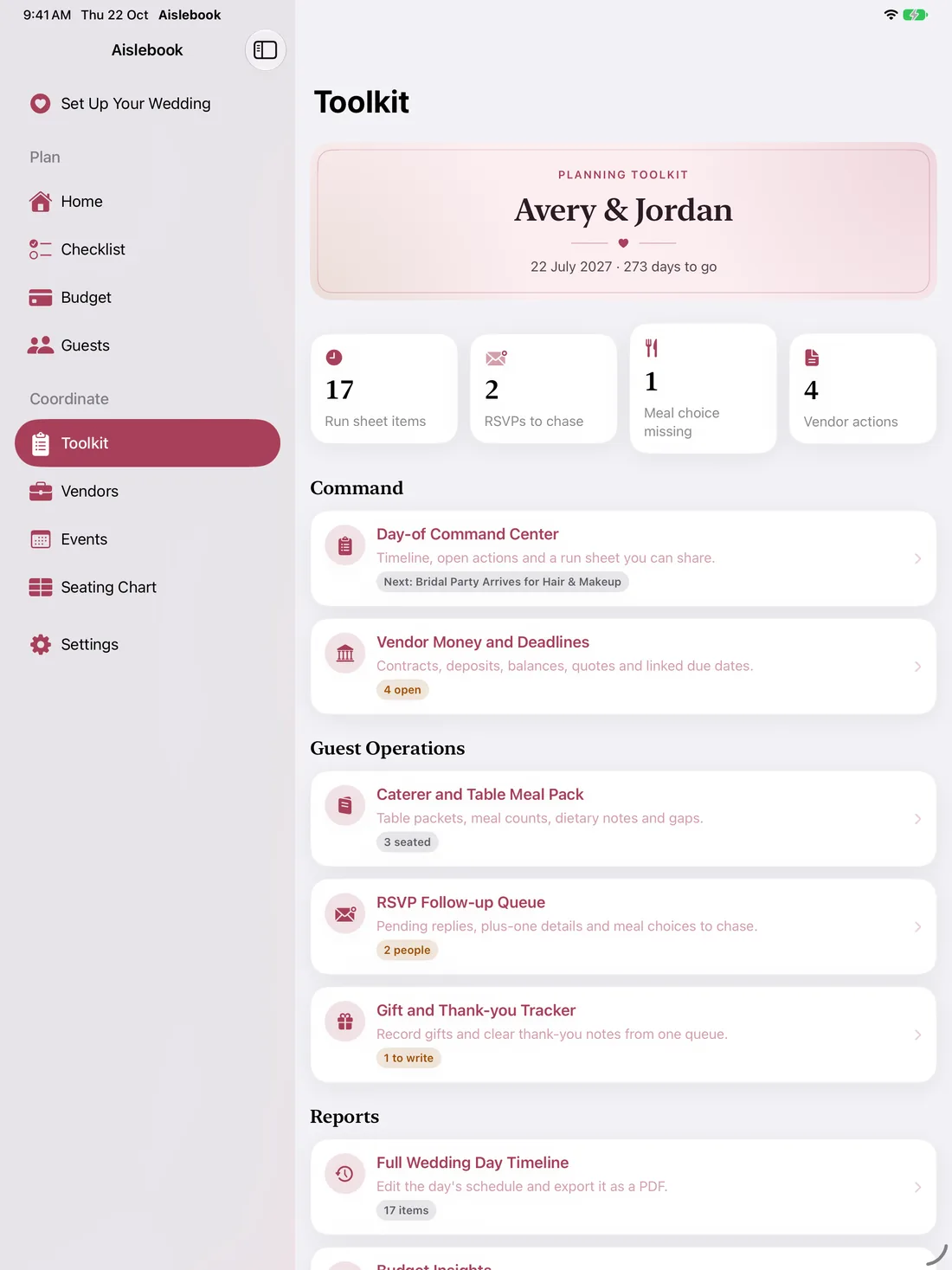
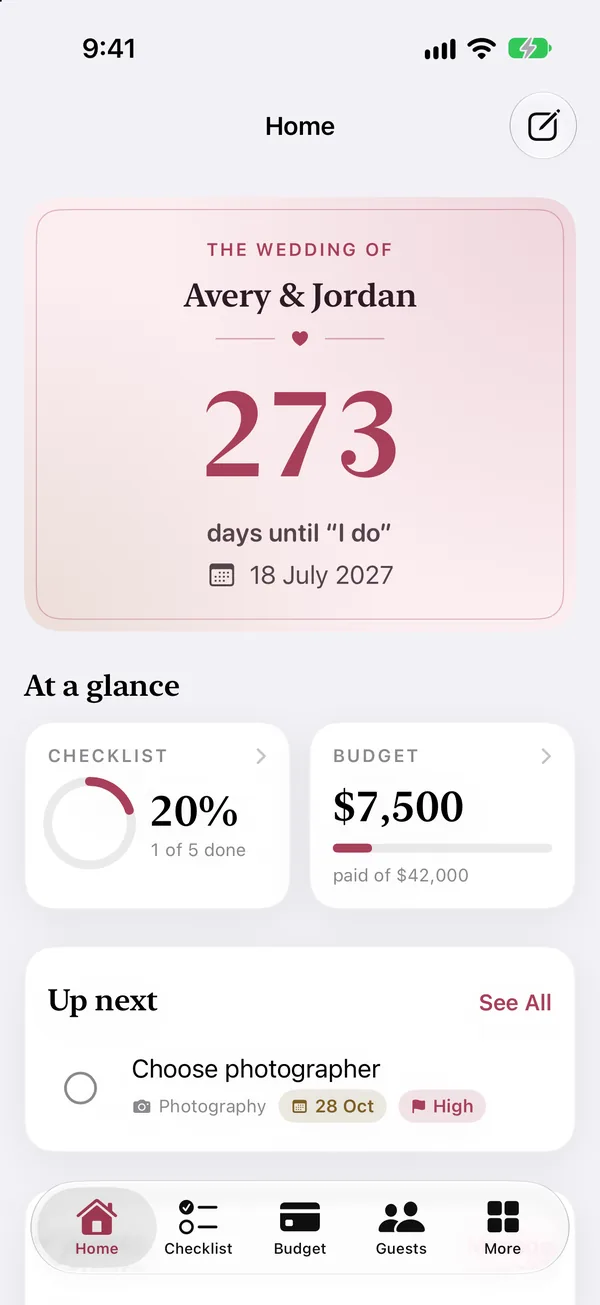
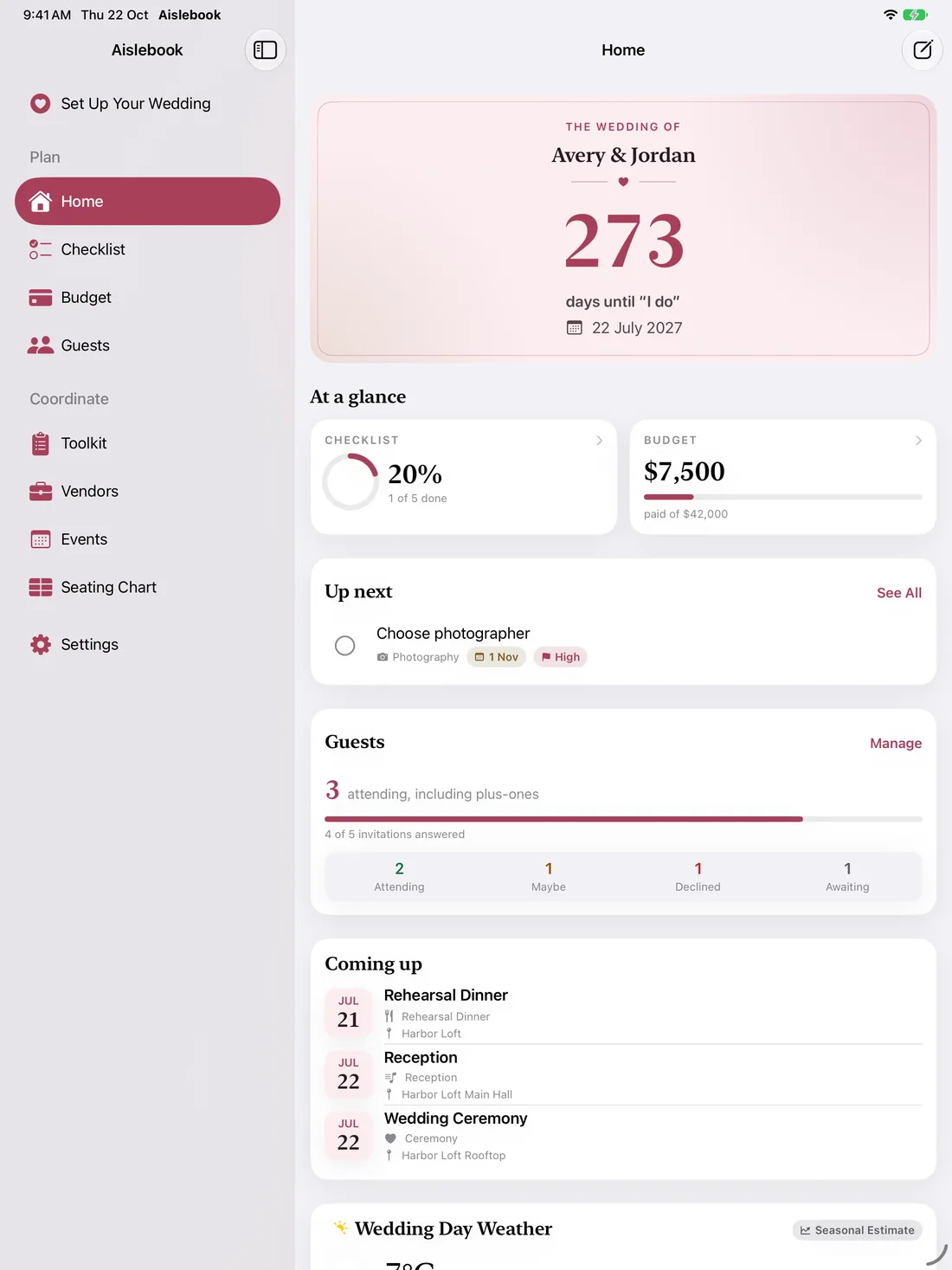
Aislebook feels at home wherever you sit down to plan: tabs on iPhone, a sidebar on iPad, and a proper window with menu commands on Mac.
Every section in the sidebar, in light or dark appearance, with keyboard shortcuts for the things you add most.
A sidebar keeps every section a tap away, next to your countdown, tasks, RSVPs and what’s coming up.
Home Screen widgets for the countdown, upcoming tasks, your budget and quick planning stats. On iPhone and iPad.
Features
Aislebook replaces the spreadsheets, notes and message threads with one connected plan.
Guests & RSVPs
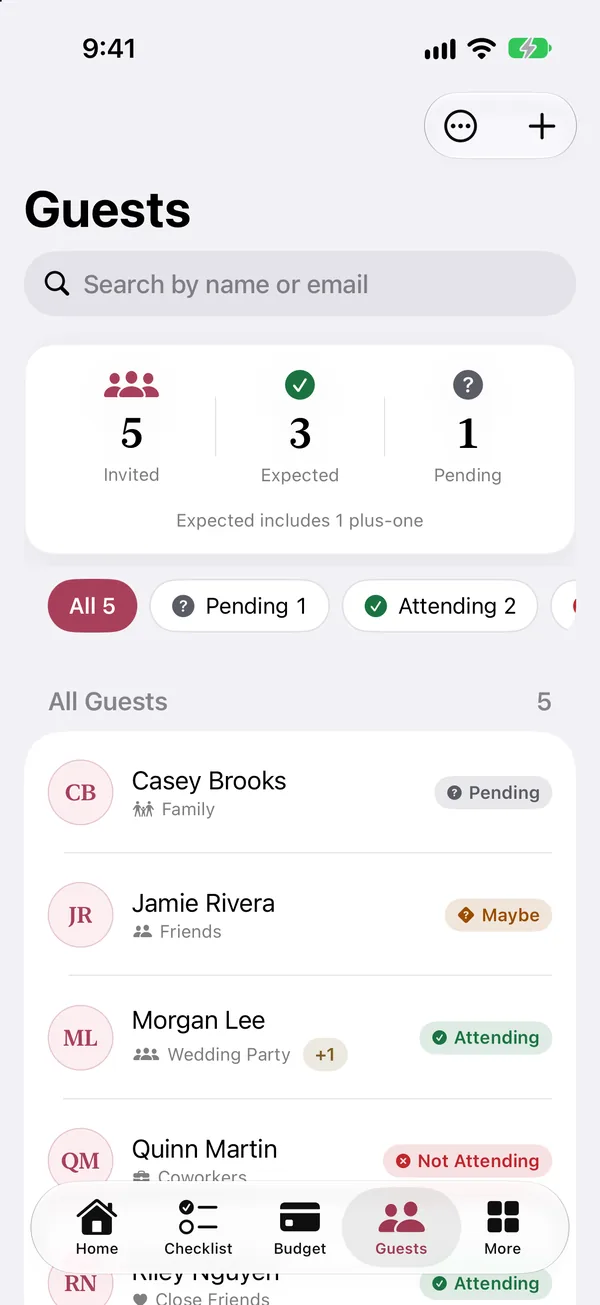
Track every invitation, reply, plus-one and meal choice. Group guests by family or friends, note dietary needs, and watch the headcount update as answers arrive.
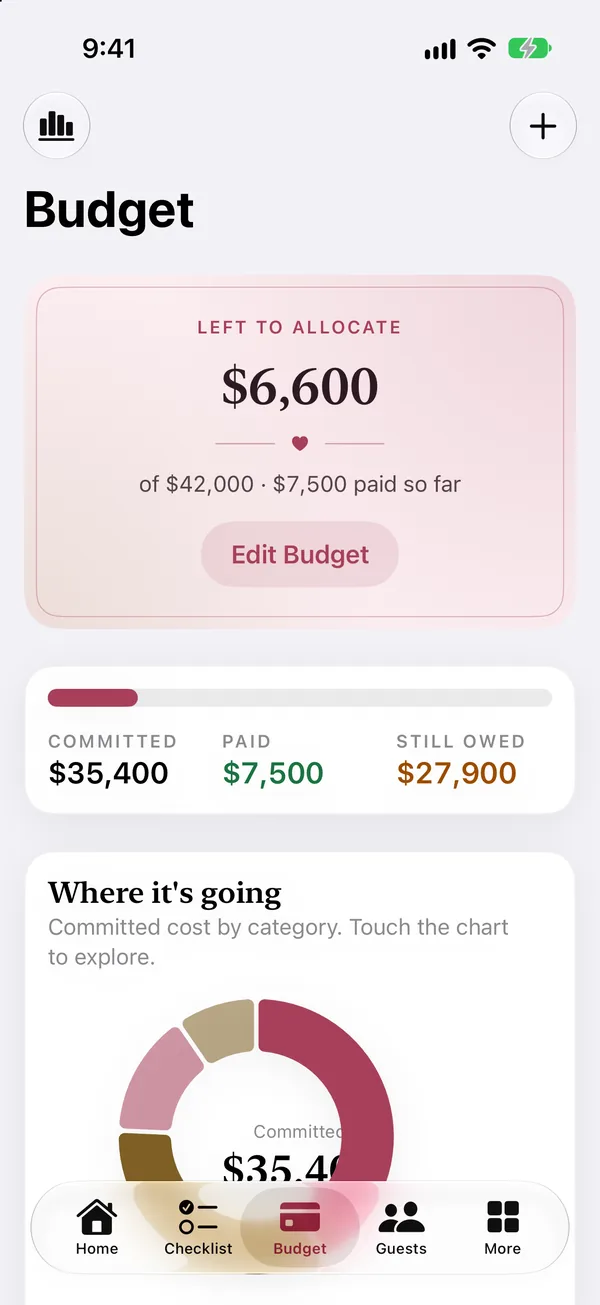
Budget
Set an estimate for each item, record what it actually costs and what you’ve paid, and see what’s left. The spending chart shows where the money is going before it’s gone.
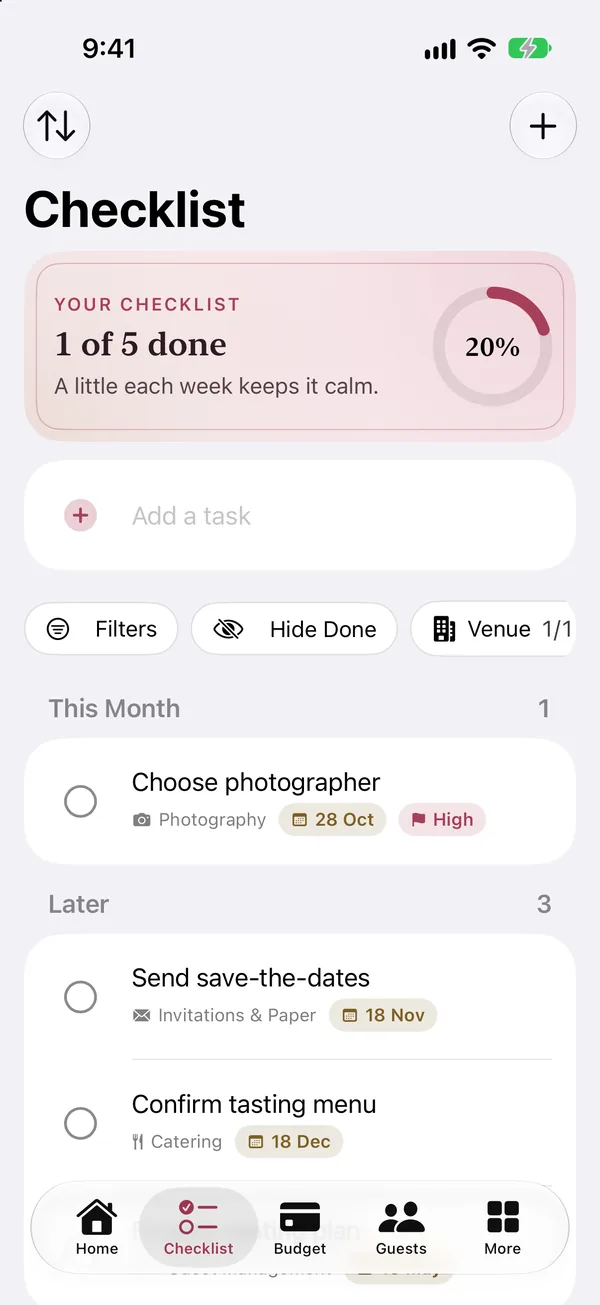
Checklist
Sort tasks by category, give them due dates and priorities, and start from ready-made templates. Progress shows up on Home and in your widgets.
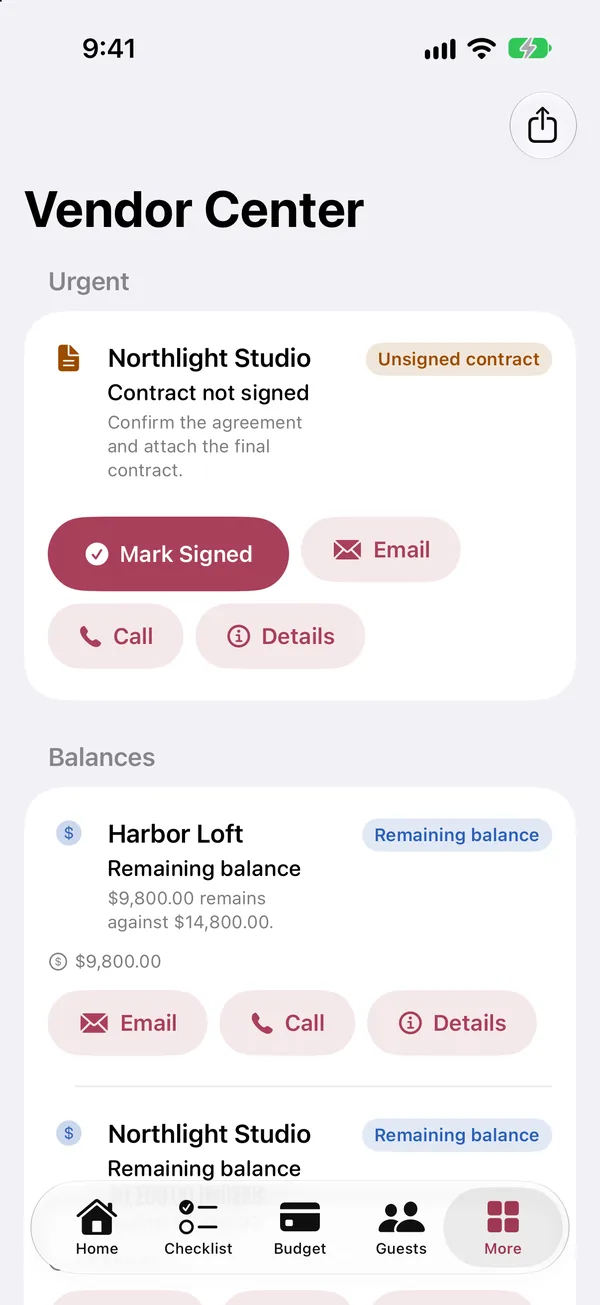
Vendors
Keep each vendor’s contact details, status, quotes and meetings in one record. The vendor center flags unsigned contracts and remaining balances before they become surprises.
The wedding-day toolkit
The Toolkit turns months of planning into exactly what you need on the day, and what your caterer, venue and helpers need from you.
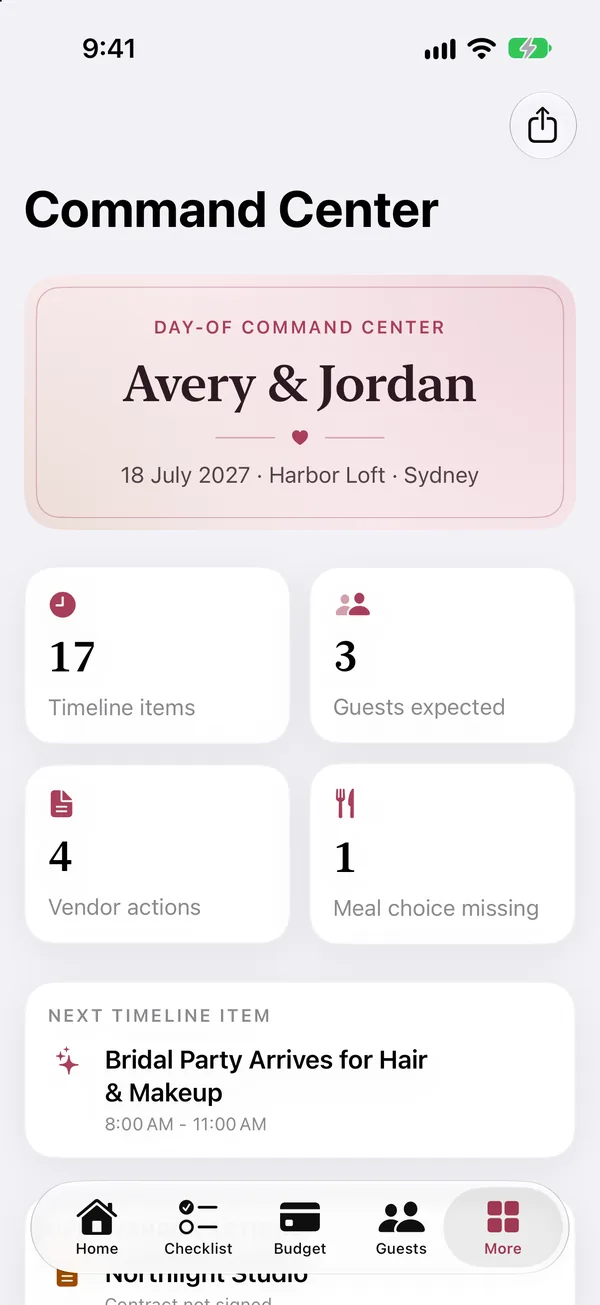
The timeline, open vendor actions and a run sheet you can share.
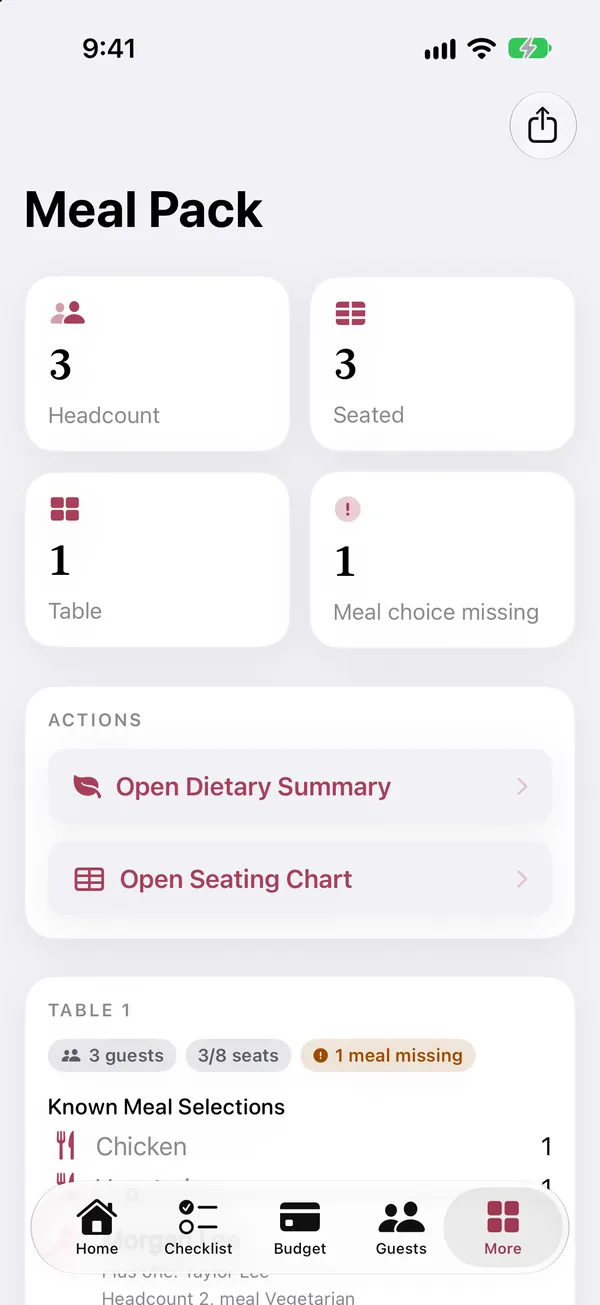
Table packets with meal counts, dietary notes and any gaps.
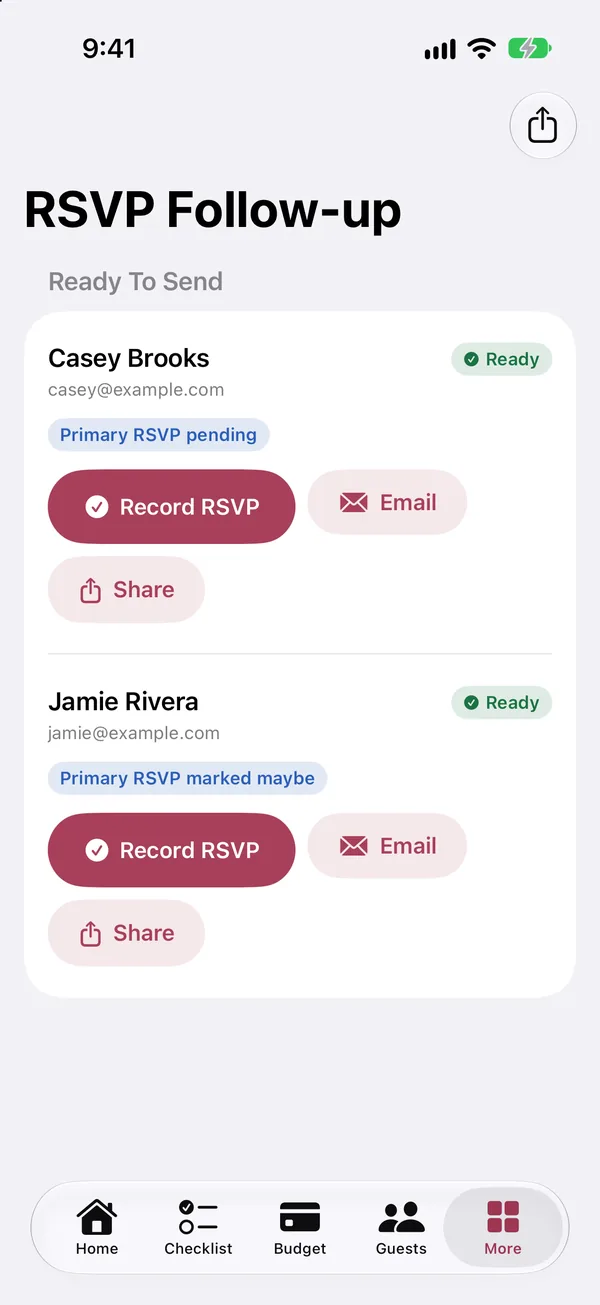
Everyone who still owes a reply, a plus-one name or a meal.
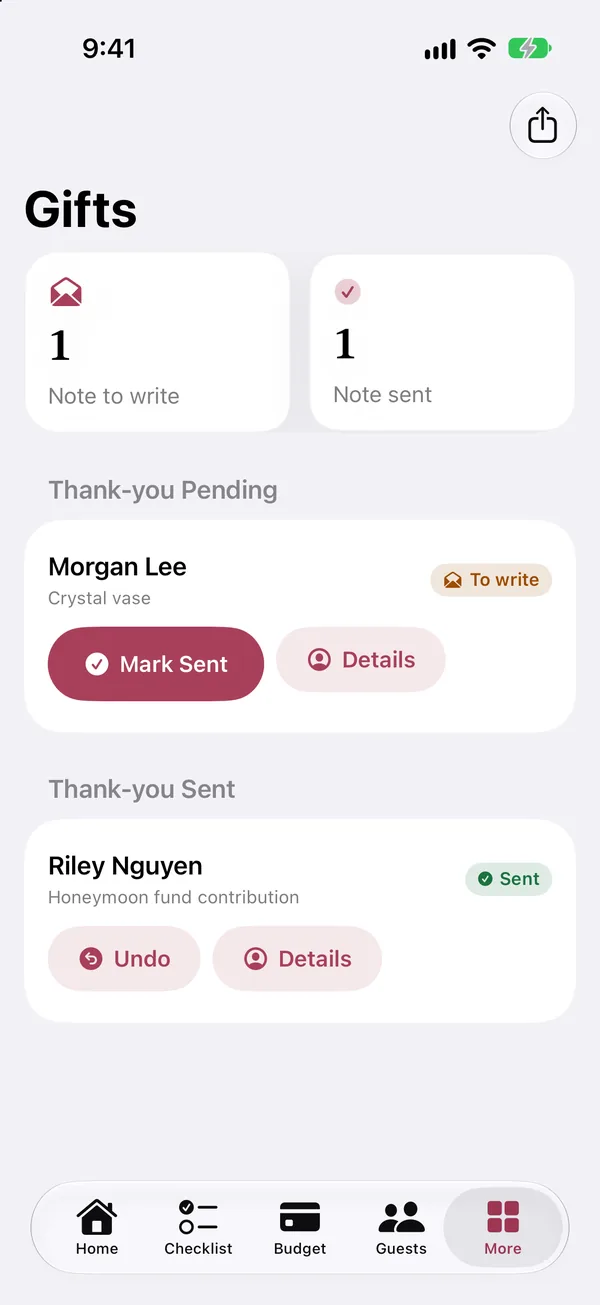
Record each gift as it arrives and clear your notes from one queue.
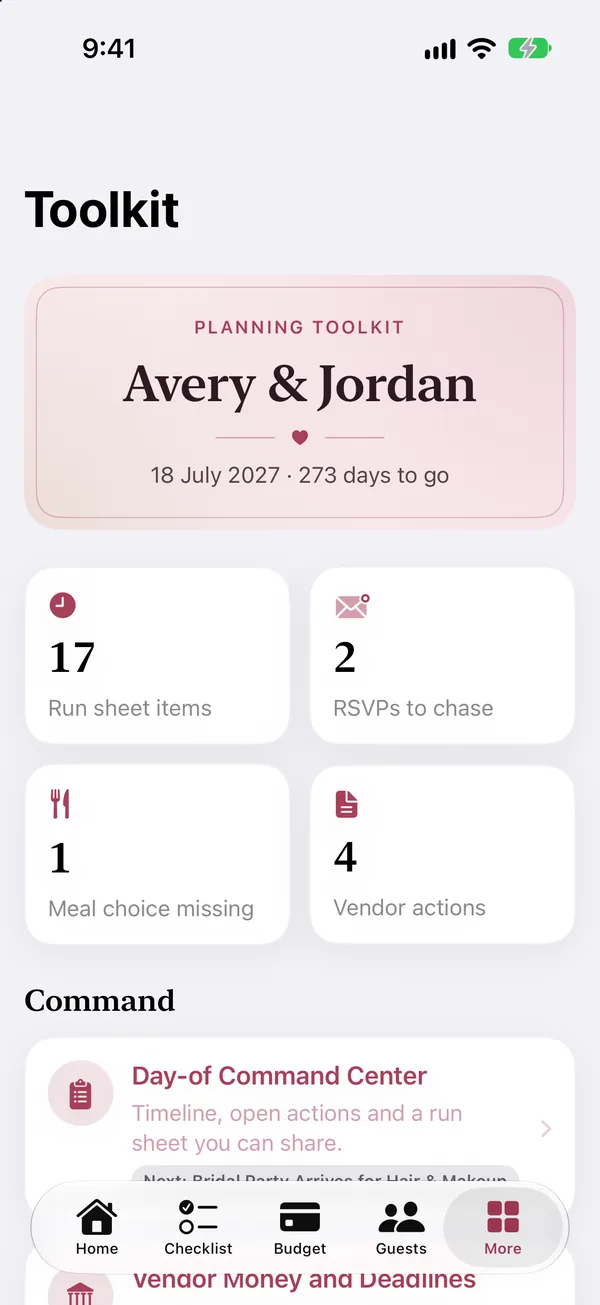
Every wedding-day tool, with a count of what still needs you.
The film
A 24-second wedding toast where every thank-you comes with a receipt: a plus-one, one chicken and an 8 a.m. call time, all in Aislebook. Sound on.
The film premieres here soon.
Print a code for every guest and scan replies straight into the list.
Build tables, set capacity and seat guests, with meals carried through to the caterer.
Export the wedding-day schedule for your planner, venue or wedding party.
Line up quotes within a category and choose with the numbers in front of you.
Engagement party, showers and rehearsal dinner sit alongside the big day.
Check the forecast for your venue and date as the day gets close.
Private by design
Your plan lives on your device. Aislebook uses Apple services only for purchases, widgets, notifications and weather, and shares nothing unless you export it.
Pricing
The free plan covers up to 10 tasks, 20 guests and 2 vendors. Premium removes every limit.
$0
Set up your wedding and see how Aislebook works.
Seating, budget, timeline, weather, widgets and exports are included on both plans. No credit card needed.
Download freeUnlimited tasks, guests and vendors, across every feature.
Start your free trialPrices are shown in USD and may vary by region. Free trials are for eligible new subscribers. Subscriptions are auto-renewable through Apple and renew unless cancelled at least 24 hours before the end of the current period. Manage or cancel anytime in your App Store account settings. Restore Purchases is supported. See the Terms of Use and Privacy Policy.
Yes. Aislebook is free to download and the free plan covers up to 10 tasks, 20 guests, and 2 vendors. Premium removes those limits for $4.99 a month or $29.99 a year, both with a 7-day free trial, or $79.99 once for lifetime access.
Wedding planning data is stored locally on your device. There is no Aislebook account, no advertising tracking, and your data is never sold.
Monthly and yearly subscriptions renew through Apple unless cancelled at least 24 hours before the end of the current period. Manage or cancel anytime in your App Store account settings. Deleting the app does not cancel a subscription.
Aislebook runs on iPhone, iPad and Mac. Home Screen widgets are available on iPhone and iPad. Each device keeps its own plan, stored locally; plans do not sync between devices. There is no Android version, web app, or Apple Watch app.

Free to download for iPhone, iPad and Mac. Premium plans start with a 7-day free trial.